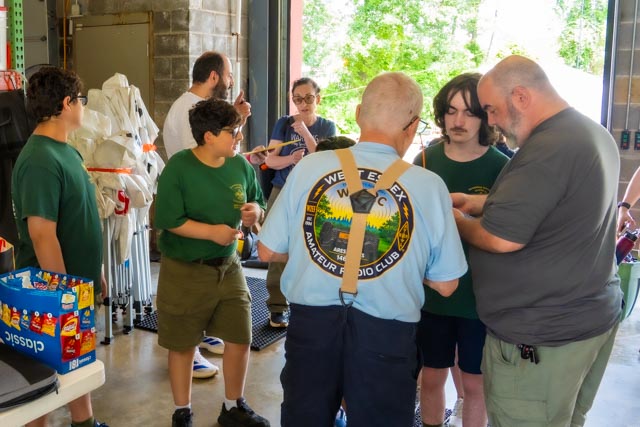
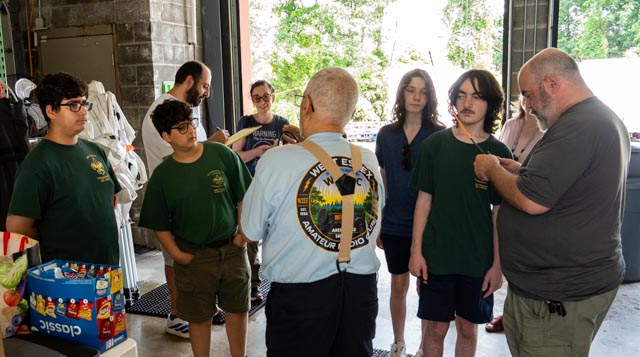
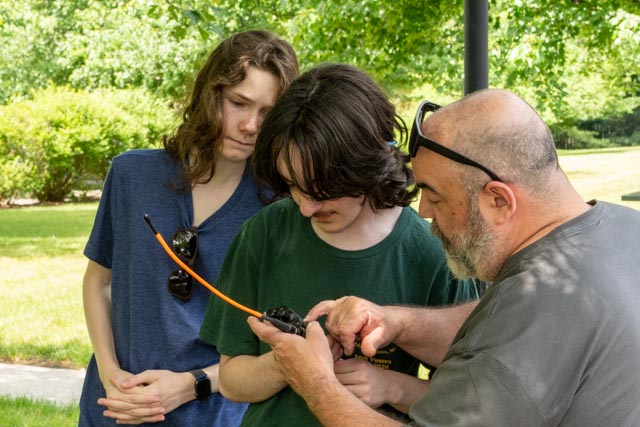
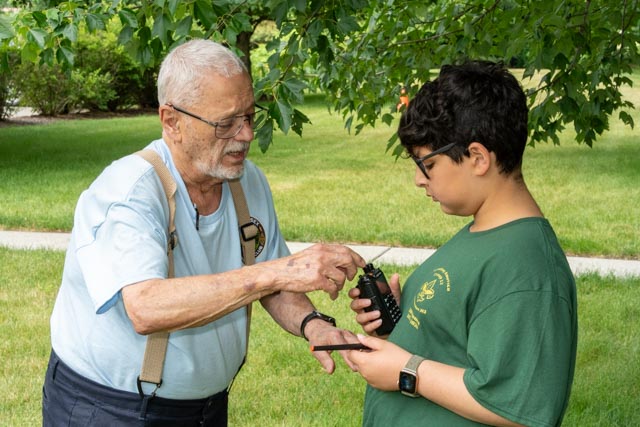
This article is an updated and modernized version of concepts presented in the ARRL document “Repeaters – what are they and how to use them”. The focus here remains traditional analog FM repeater operation.
What Is an FM Repeater?
VHF and UHF FM repeaters remain one of the easiest ways for new amateur radio operators to get on the air, meet local operators, participate in nets, and support public-service and emergency communications. Although newer digital and internet-linked systems are now common, traditional analog FM repeaters continue to be widely used and are an important part of amateur radio.
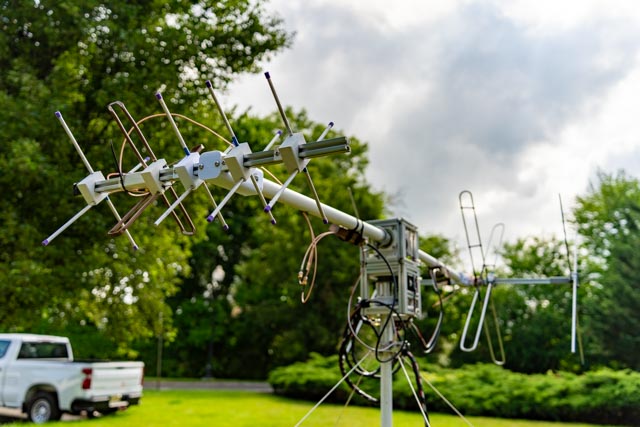
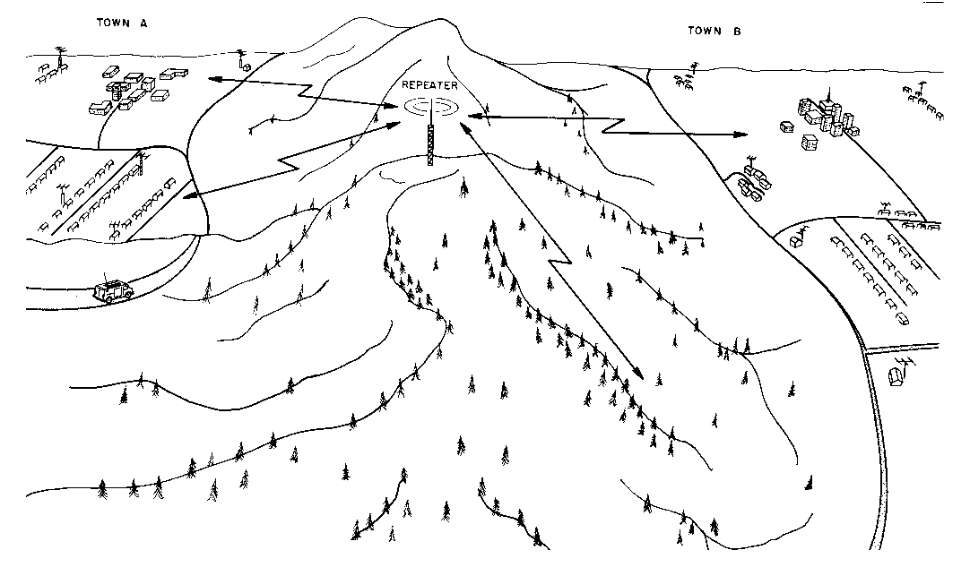
A repeater receives a signal on one frequency and retransmits it on another frequency. Because repeaters are often located on towers, tall buildings, mountains, or other favorable sites, they can greatly extend the range of handheld, mobile, and fixed stations.
The basic idea is simple: your radio transmits to the repeater, and the repeater retransmits your signal over a much wider area than your station could usually cover by itself.
Simplex vs. Repeater Operation
In simplex operation, two stations communicate directly on the same frequency. No repeater is involved. This is the simplest form of VHF/UHF FM communication.
In repeater operation, your radio listens on the repeater’s output frequency and transmits on the repeater’s input frequency. The repeater receives your signal on its input and retransmits it on its output. This allows stations that might not be able to hear each other directly to communicate through the repeater.
Repeater Output, Input, and Offset
Repeaters use two frequencies:
- Output frequency: the frequency the repeater transmits on and the frequency you listen to.
- Input frequency: the frequency the repeater receives on and the frequency you transmit on.
The difference between the input and output frequencies is called the offset or shift. The offset amount and direction vary by band and local band plan. On many 2-meter FM repeaters, for example, the standard offset is 600 kHz. On many 70-centimeter repeaters, the standard offset is 5 MHz.
Repeater listings usually show the repeater’s output frequency, offset direction, and any access tone required. This article explains the operating concepts. Specific radio-programming steps vary by manufacturer and model.
Access Tones: CTCSS, PL, and DCS
Many FM repeaters require an access tone. The most common type is CTCSS, often called PL. Some repeaters use DCS. These tones help prevent a repeater from being activated by unwanted signals, interference, or distant stations using the same frequency pair.
If the correct tone is not transmitted, the repeater may not respond even if you are on the correct frequency and using the correct offset.
Tone access is not privacy. FM repeater communications are still public amateur-radio transmissions.
Open and Closed Repeaters
Many repeaters are open repeaters, meaning they are available for use by any properly licensed amateur operator who follows the repeater’s rules and good operating practice.
Some repeaters are closed repeaters, meaning they are intended only for use by members of a specific group, organization, or authorized users. Closed repeaters are less common, but they may still exist. If you are unsure whether a repeater is open, check with the repeater sponsor, trustee, or local club before using it.
Listen First
Before transmitting on a repeater, listen for a while. Make sure the repeater is not already in use. Local operating customs can vary, and a few minutes of listening can tell you a lot about how the repeater is normally used.
Listening first also helps avoid interrupting an ongoing conversation, a directed net, emergency traffic, or a public-service operation.
Making Your First Repeater Contact
If the repeater is quiet and you want to see if anyone is available, do not repeatedly call CQ as you might on HF. On most FM repeaters, simply identify and say that you are listening:
W1AW listening.
You may also say:
W1AW monitoring.
To call a specific station, give the other station’s call sign followed by your own:
K1ABC, W1AW.
To join an ongoing conversation, wait for a pause and give your call sign:
W1AW.
One of the stations already using the repeater should acknowledge you and give you a chance to speak.
If you are testing whether you can access the repeater, identify properly and keep it brief:
W1AW testing.
Do Not Kerchunk
Do not “kerchunk” a repeater by briefly pressing the push-to-talk button without identifying. Keying up a repeater without giving your call sign is improper and may violate identification requirements.
If you want to test whether you can access the repeater, identify and say “testing.”
W1AW testing.
Calling CQ on Repeaters
Calling CQ is common on HF, but it is usually unnecessary on local FM repeaters. A simple call sign followed by “listening” or “monitoring” is normal practice in many areas.
Local custom may vary. If experienced local operators use a particular style on a repeater, follow the local practice as long as it is consistent with good amateur procedure.
Repeater Etiquette
Repeaters are shared resources. Good operating habits make them more useful for everyone.
- Listen before transmitting.
- Identify with your call sign.
- Keep transmissions reasonably short.
- Leave a pause between transmissions.
- Acknowledge stations that try to enter the conversation.
- Do not monopolize the repeater.
- Follow the instructions of the repeater trustee, control operator, or net control station.
During nets, severe weather, public-service events, emergencies, or periods of heavy use, keep transmissions especially brief and leave room for priority traffic.
Courtesy Tones, Pauses, and Time-Out Timers
Many repeaters transmit a short courtesy tone after a user stops transmitting. This tone often indicates that the repeater is ready for the next station. Even if a repeater does not have a courtesy tone, it is good practice to leave a short pause before transmitting.
Pausing between transmissions gives other stations a chance to enter the conversation. It also allows emergency or priority traffic to break in.
Most repeaters also have a time-out timer. If one transmission continues too long, the repeater may shut down temporarily to protect the equipment and prevent continuous interference. Keep transmissions concise and release the push-to-talk button periodically.
Identification
Amateur stations must identify with their FCC-issued call sign at the end of a contact and at least every 10 minutes during a communication.
You do not need to give the call sign of the station you are talking to, although doing so is common when calling another station or passing a transmission to someone else. The important requirement is that you identify your own station properly.
Plain Language Is Best
Use plain language on FM repeaters. If you want to know someone’s location, ask where they are. If you want to know what kind of radio they are using, ask directly.
Q-signals and radio shorthand have their place, especially in CW and some HF operating, but clear plain language is usually best on local FM repeaters.
Linked FM Repeaters
Some analog FM repeaters are linked to other repeaters or internet-connected systems. Examples may include RF-linked repeater networks, EchoLink, AllStarLink, IRLP, or other linking technologies.
On linked systems, leave a slightly longer pause between transmissions. Key the microphone, wait a moment, and then begin speaking. This helps prevent the first word or two from being cut off and gives other stations time to enter the conversation.
Avoid rapid back-and-forth exchanges on large linked systems. A short pause helps the system operate more smoothly and gives distant stations a fair chance to participate.
A Note About Digital Voice and Hotspots
This guide focuses on traditional analog FM repeaters. Many amateur radio operators also use digital voice systems such as DMR, D-STAR, System Fusion, P25, or NXDN. Some operators also use personal hotspots.
Those systems may require additional settings such as talkgroups, reflectors, rooms, modules, color codes, time slots, RANs, or NACs. They have their own operating procedures. Even so, the basic habits described here still matter: listen first, identify properly, leave pauses, and be courteous.
Nets on Repeaters
Repeaters are often used for nets. A net is an organized on-air gathering, usually directed by a net control station. Nets may be used for club announcements, training, emergency communications practice, weather reporting, public-service events, or general check-ins.
During a directed net, listen to the net control station and follow instructions. Check in when invited, give your call sign clearly, and keep comments brief unless asked for more detail.
Do not interrupt a net unless you have emergency or priority traffic.
Emergency and Priority Traffic
For emergency or priority traffic, be clear and direct. State your call sign, location, the nature of the emergency, and what assistance is needed.
“Break break” is commonly used to indicate emergency traffic. Do not use it casually.
Break break, W1AW with emergency traffic.
If you hear emergency traffic, stop transmitting unless you are directly involved or able to help. Allow the station with emergency traffic to communicate. If appropriate, help relay the information to the proper authorities.
In a life-threatening emergency, use 911 or other public-safety channels when available. Amateur radio can be very useful, but it does not replace normal emergency services.
Moving to Simplex
If two stations can hear each other directly, consider moving from the repeater to a simplex frequency. This leaves the repeater available for stations that need it.
One way to check whether simplex might work is to listen on the repeater input frequency. If you can clearly hear the other station on the repeater input, you may be close enough to communicate directly on simplex.
Use a frequency designated for FM simplex operation. Always listen first and follow your local band plan.
The 146.520 MHz Calling Frequency
The national 2-meter FM simplex calling frequency is 146.520 MHz. It is useful for making initial contact, especially while traveling or monitoring for nearby activity.
Extended rag-chewing is not encouraged on 146.520 MHz. If a conversation is likely to continue, move to another appropriate simplex frequency after making contact.
Finding Repeaters
Repeater information can be found through local clubs, repeater sponsors, frequency coordinators, and online repeater directories. Because repeater listings can become outdated, verify the frequency, offset, tone, mode, and access rules before assuming a repeater is active and open for general use.
Local amateur radio clubs are often the best source of practical information. Club members can tell you which repeaters are active, which nets are beginner-friendly, and what local operating customs are common in your area.
Common FM Repeater Mistakes
- Transmitting without listening first.
- Using the wrong offset direction.
- Using the wrong access tone.
- Speaking too quickly after pressing push-to-talk.
- Not leaving a pause between transmissions.
- Making long transmissions that hit the time-out timer.
- Calling CQ repeatedly on a local FM repeater.
- Kerchunking without identifying.
- Forgetting to identify every 10 minutes and at the end of a contact.
- Using 146.520 MHz for extended rag-chewing instead of moving to another simplex frequency.
Final Thoughts
FM repeaters are one of the most accessible parts of amateur radio. They help new operators get on the air, support local communication, and provide a place for training, nets, public-service activity, and emergency communications.
The best way to learn is to listen, identify properly, keep transmissions courteous, and participate. With a little practice, repeater operation becomes natural, and it opens the door to a much larger amateur radio community.